

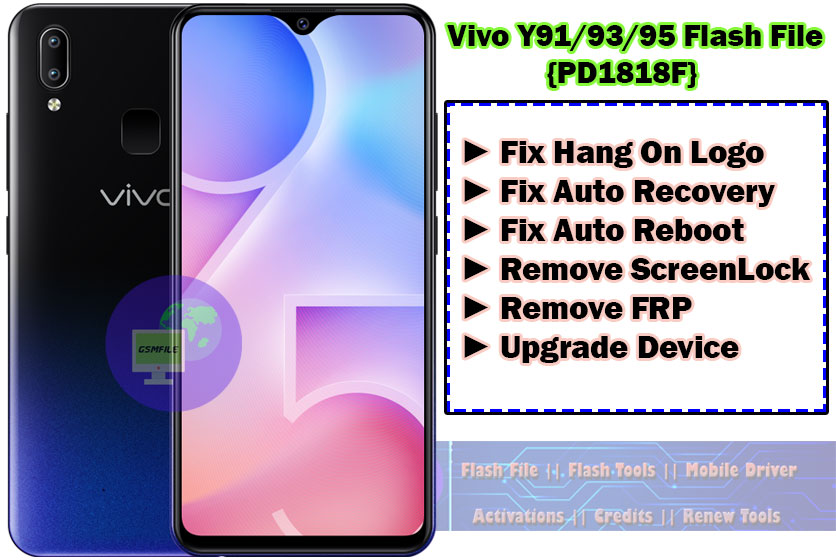
Introduction To Vivo Y91/93/Y95 PD1818F Flash Files
Smart phone flash file, also known as firmware or ROM (Read-only), are the operating systems and software packages that control the functioning of a smart phone. Thay contain the necessary instructions and data required to boot up the device and operate its various functions.
What Is Flashing ?
Before we deleve info the flashing process. let’s understand what flashing actually mean, flashing is the process of re-installing or updating a smartphone’s operating system [os] or firmware. it’s akin to giving your device a frash start, resolving software glitches, and optimizing performance.
Importance of Vivo Y91/93/Y95 PD1818F Flash File
Smartphone Flash file are crucial for mainraining the stability and performance of a device. They allow manufacturers to push shoftware updates. Security patches, and bug fixes to users, addressuing issue and enhancing the user experience. Flashing a Phone with the letest firmware can often resolve software- related problems and overall performance.
Types of Smart Phone Flash File
There are two main types of smartphone flash files: Stock Rom And Custom Roms. stock Roms are the official firmware provided by the device manufacturer, while custom Roms Are developed by third-party developers and offer additional features and customization options.
Device Info ↴
𝐍𝐞𝐭𝐰𝐨𝐫𝐤 :- 𝐆𝐒𝐌 / 𝐂𝐃𝐌𝐀 / 𝐇𝐒𝐏𝐀 / 𝐋𝐓𝐄
𝐂𝐏𝐔 𝐂𝐡𝐢𝐩𝐬𝐞𝐭 :- Qualcomm SDM439 Snapdragon 439 (12 nm)
𝐂𝐚𝐩𝐚𝐜𝐢𝐭𝐲 :- 𝟑𝟐𝙂𝘽 𝟐𝙂𝘽 𝐑𝐀𝐌
𝐁𝐚𝐭𝐭𝐫𝐲 :- 𝟒𝟎𝟑𝟎 𝐦𝐀𝐡
𝐂𝐚𝐦𝐞𝐫𝐚 :- 𝐅𝐫𝐨𝐧𝐭 𝟓𝐌𝐏, 𝐑𝐞𝐚𝐫 𝟏𝟑𝐌𝐏
W̼h̼a̼t̼ K̼i̼n̼d̼ O̼f̼ I̼s̼s̼u̼e̼ F̼i̼x̼ w̼i̼t̼h̼ T̼h̼i̼s̼ F̼i̼l̼e̼?̼
➤ Flash Your Phone ➤ Remove FRP From Your Phone ➤ Forget ScreenLock ➤ Update Your Phone ➤ Downgrade Your Phone ➤ Fix Hang On Logo Issue ➤ Fix Bootloop Issue ➤ Dm-Verify Fix ➤ Red/Orange State After Flash
Vivo Y93 Flash File || PD1818CF Flash File
How To Flash Y93 PD1818CF:-
- Open Zip Using WinRar Or 7z
- Open Your Tool Like UnlockTool , AMT Tool And Load xml File.
- Connect Phone Power Off Vol +-
- When the Device Manager Shows QCom Port And Start the Process.
- After Compleate Flash Your Device Auto Power On.


WhatApp:- 917580999404


