

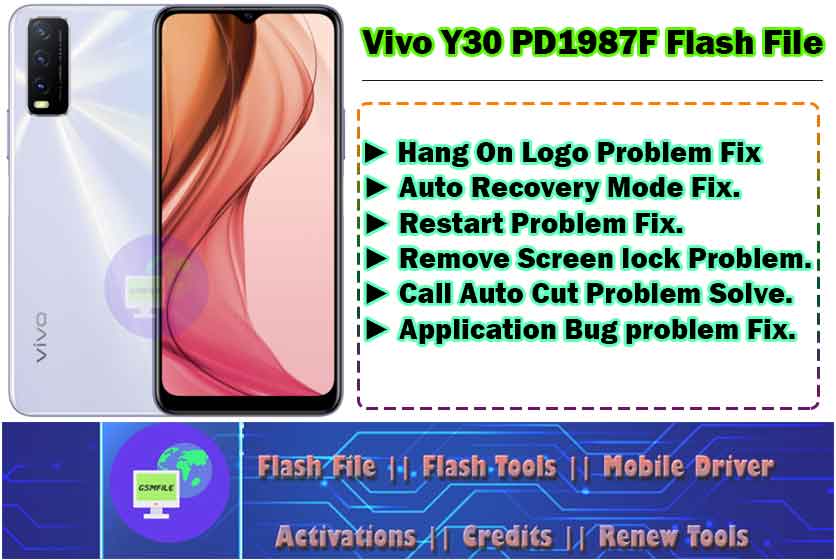
Introduction To Vivo Y30_PD1987F Flash File
Vivo Y30_PD1987F Flash File Smart Phone Flash Files, Also Known As Firmware Or Rom ( Read-Only Memory ), Are The Operating System And Software Packages That Control The Functioning Of A Smart Phone. They Contain The Necessary Instruction And Data Required To Boot Up The Devices And Operate its Various Functions.
What is Flashing?
Before We Deleve Info The Flashing Process, let’s Understand What Flashing Actually Mean, Flashing Is The Process Of Re-installing or Updating A Smartphone’s Operating System [os] Or Firmware. it’s akin to giving Your Device A Frash Start, Resolving Software Glitches, and Optimizing Performance.
Importance Of Vivo Y30_PD1987F Flash File
SmartPhone Flash Files Are Crucial for maintaining The stability And Performance Of a device. The Allow Manufacturers To Push Software Update, security patches, and bug fixes To Users, Addressing Issue And enhancing the user experience. Flashing A Phone With The Letest Firmware can often resolve software- related Problems and improve overall Performance.
Types of Smart Phone Flash Files
There are two main type of smartphone flash File: Stock ROMs and Custom ROMs. Stock ROMs Are The Official Firmware Provided By The Device Manufacturer, while Custom ROMs are Developed By Third-Party Developers And Offer Additinal Features And Customization Options.
Vivo Y30_PD1987F Flash File Feature/Benifits
- Hang On Logo Problem Fix. ( First Check Hardware )
- Auto Recovery Mode Fix.
- Restart Problem Fix.
- Remove Screen lock Problem.
- Call Auto Cut Problem Solve.
- Application Bug problem Fix.
Vivo Y30_PD1987F Specifications :-
Network :- GSM / HSPA / LTE
Resolution :- 720 x 1560 Pixels
Chipset :- MediaTek Helio G37 (MT6765)
USB Connection :- USB Type-C 2.0, OTG
Battry :- 5000mAh
Note :- Specification Source is GsmArena
How To Use Vivo Y30_PD1987F Flash File
- First You Need To Download Flash File
- After Download Done Just Contact Us For Service
- Charges 100Rs For File
- After Zip Unlock Just Open SP Flash Tool Or AMT tool And Load File
- Make Sure Driver Properly Installed And Connect Device With Test Point.
Vivo Y30_PD1987F Flash File
File Free
Before performing any flashing process on your phone, you should collect all the information before doing it.This is an educational post, do not use it for any wrong purpose.


USB%20Connection%20:-%20USB%20Type-C%202.0,%20OTGBattry%20:-%205000mAh)